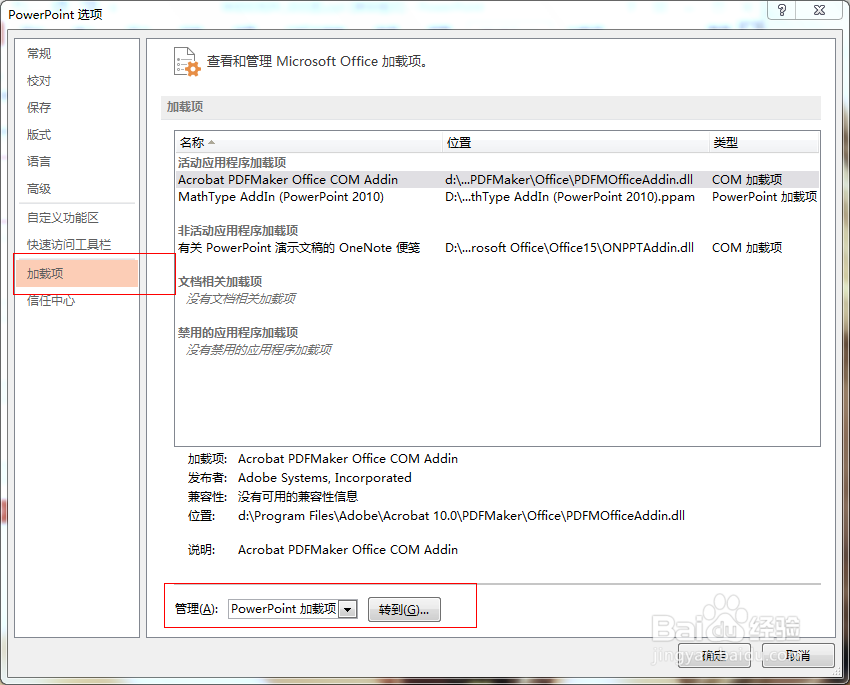
1、那么 PowerPoint中 选择 Options,再选择左下角的 Add-Ins

2、在下面的下拉框中选择 Pointpoint add-ins,点击 Go 按钮
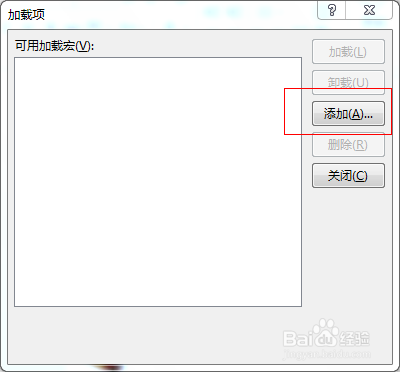
3、在弹出的对话框中点击 Add New 按钮
4、找到MathType安装目录,并选择添加下面的文件: \Office Support\MathType AddIn (PowerPoint 2010).ppam

5、单击ok,然后选择退出
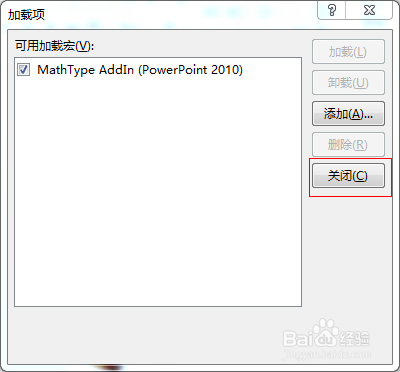
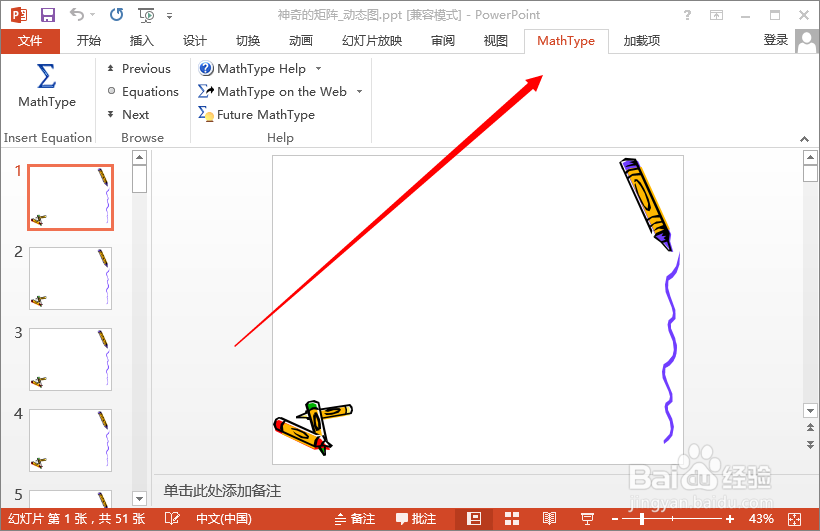
6、最后就出现这个了,亲测有效
时间:2026-04-22 00:10:52
1、那么 PowerPoint中 选择 Options,再选择左下角的 Add-Ins
2、在下面的下拉框中选择 Pointpoint add-ins,点击 Go 按钮
3、在弹出的对话框中点击 Add New 按钮
4、找到MathType安装目录,并选择添加下面的文件: \Office Support\MathType AddIn (PowerPoint 2010).ppam
5、单击ok,然后选择退出
6、最后就出现这个了,亲测有效
